Use the VoS Details tab to import a VoS Request file (.vos) into the StudyLink module. EBS then attempts to auto-match the records in the file with learners currently held in the EBS database. Refer to Manual and Automatic Learner Matching for further information.
To import a VoS Request file:
-
Select the Import VOS Request button on the StudyLink Commands ribbon.

The Import VoS Request window is displayed.
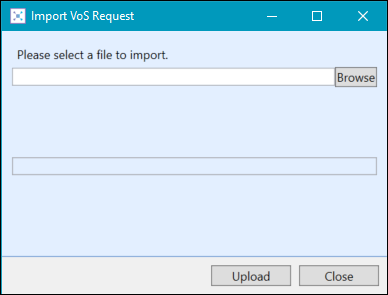
-
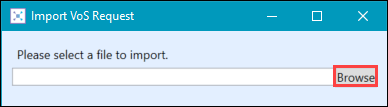
Select the Browse button.
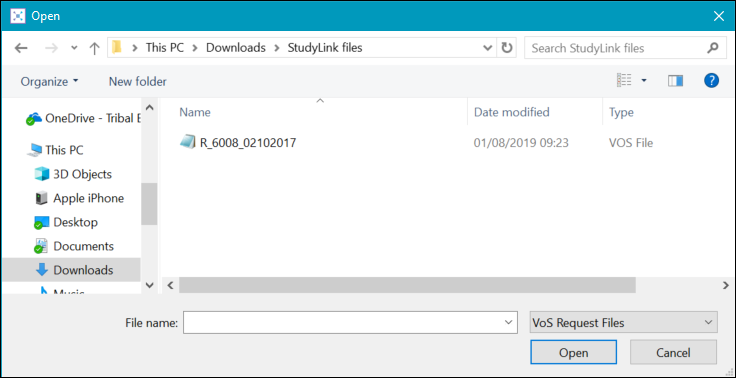
The Open window is displayed.
-
Locate the relevant import file, and then select the Open button.
-
Select the Upload button.
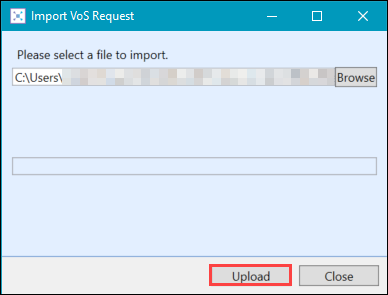
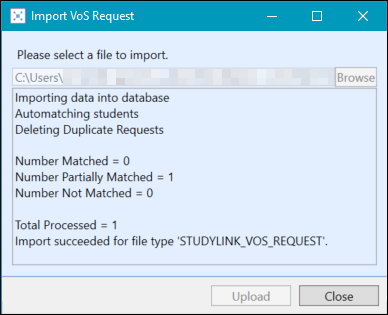
If the import process is successful, the Import VoS Request window displays a summary of the matched learners.
An error message is displayed if:
- You have previously imported a VoS Request file with the same name
- The file does not have valid study start dates
-
Select Close .
If the VoS Request import is successful, the VoS Details tab displays the learner records in the grid.
